Travel in China without speaking Chinese.
Use camera translation for menus and signs, translate booking screenshots, and keep a few Chinese phrases ready to show.
Your phone does the translating
Which translation mode do you need?
Choose the mode that matches the moment, then find a tool below to get started.
Menus, signs & screenshots
Camera & photo translation
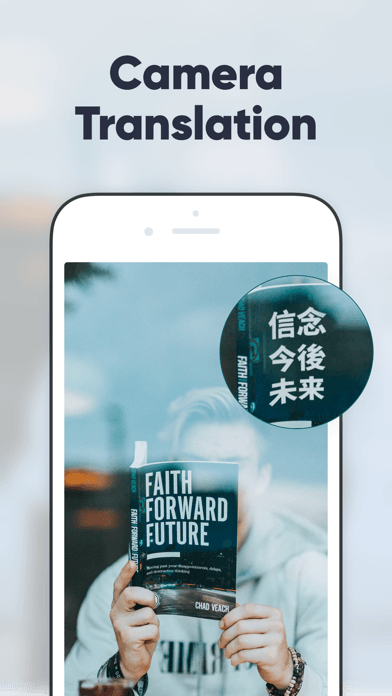
Photograph printed Chinese or import a screenshot from a booking page or QR menu. Translate a small, clear section without typing.
Explore camera & photo translationA face-to-face conversation
Voice translation
Choose your language and Chinese. Speak in short sentences and take turns.
Explore voice translationTranslation tools for your China trip
An easy place to start on iPhone
Apple Translate
Free · iPhone · Camera & photos · Voice
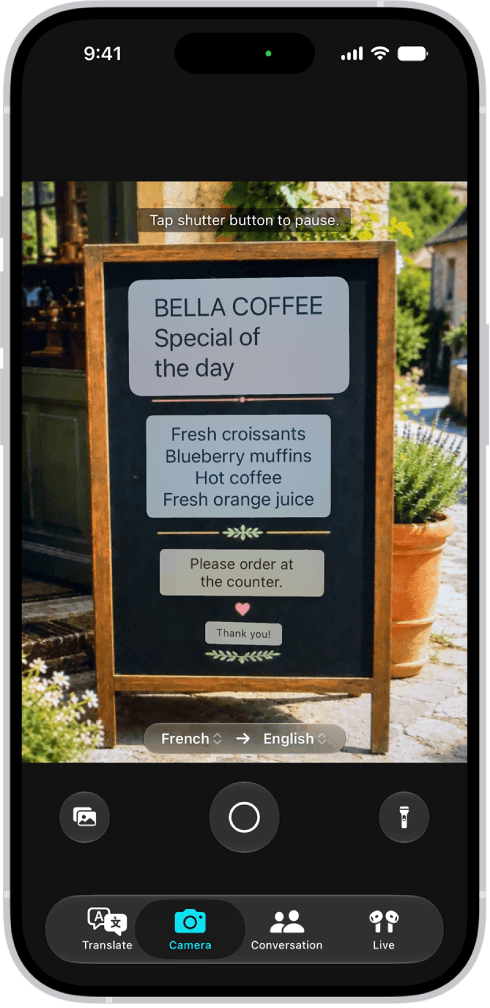
Try the Translate app already on your iPhone before subscribing to another tool. If you removed it, download it again from the App Store.
Use Camera for menus and screenshots, or Conversation to take turns speaking with a driver or hotel receptionist.

A familiar choice on Android & iPhone
Google Translate
Free · Android & iPhone · Camera & photos · Voice
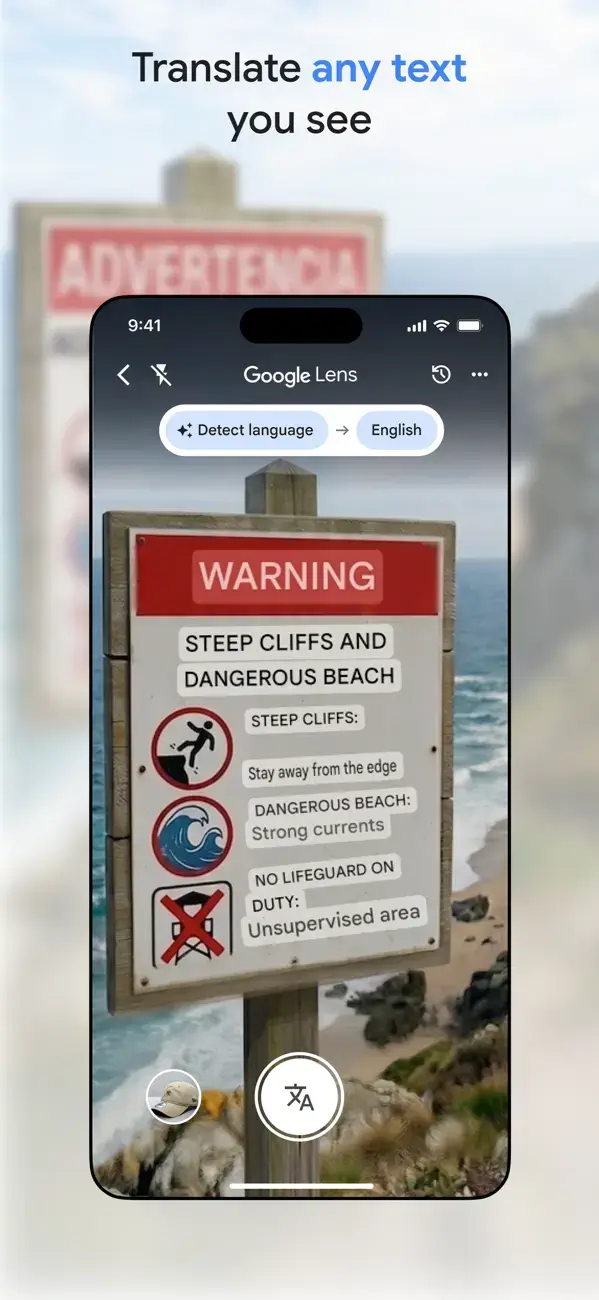
Point your camera at a menu, import a screenshot, or translate a short conversation. A convenient option if you already use Google’s apps.
In mainland China: Online features need access to Google services. See our connection guide; keep another translator as a backup.

An alternative for everyday translation

U-Dictionary
Camera & photos · Voice
Translate menus, screenshots and short conversations in an English-language interface. Available on Android and iPhone.
Camera translation is a Premium feature on iPhone. Check pricing on your device.

Baidu Translate
A Chinese-first alternative for photographing menus and signs. Useful if you are comfortable navigating a Chinese interface.

WeChat translation
Already chatting in WeChat? Long-press a message or image and look for Translate. Handy for messages from hosts and local contacts.
Get set up with WeChatA few useful Chinese phrases
Show the Chinese text, or save a screenshot for later.
- I don’t speak Chinese.
- 我不会说中文。
- Please type it for me.
- 请打字给我看。
- How much is this?
- 这个多少钱?
- Not spicy, please.
- 不要辣,谢谢。
- The bill, please.
- 买单,谢谢。
- Where is the restroom?
- 洗手间在哪里?
Before you go
- Install your translator and try it on a photo of Chinese text.
- Save your hotel’s Chinese name, address and phone number.
- Save a screenshot of the phrases you might need.
Related Guides
- Need WeChat and mobile data prepared before landing? See Internet & Apps
- Translating a menu before paying? Pair your translation app with Alipay — see Online Payment
Continue your China travel check
Next checkDoes your route need a Tibet Travel Permit?Check the exact region before assuming every Tibetan area has the same rule.Back to travel essentialsLast updated: October 7, 2026